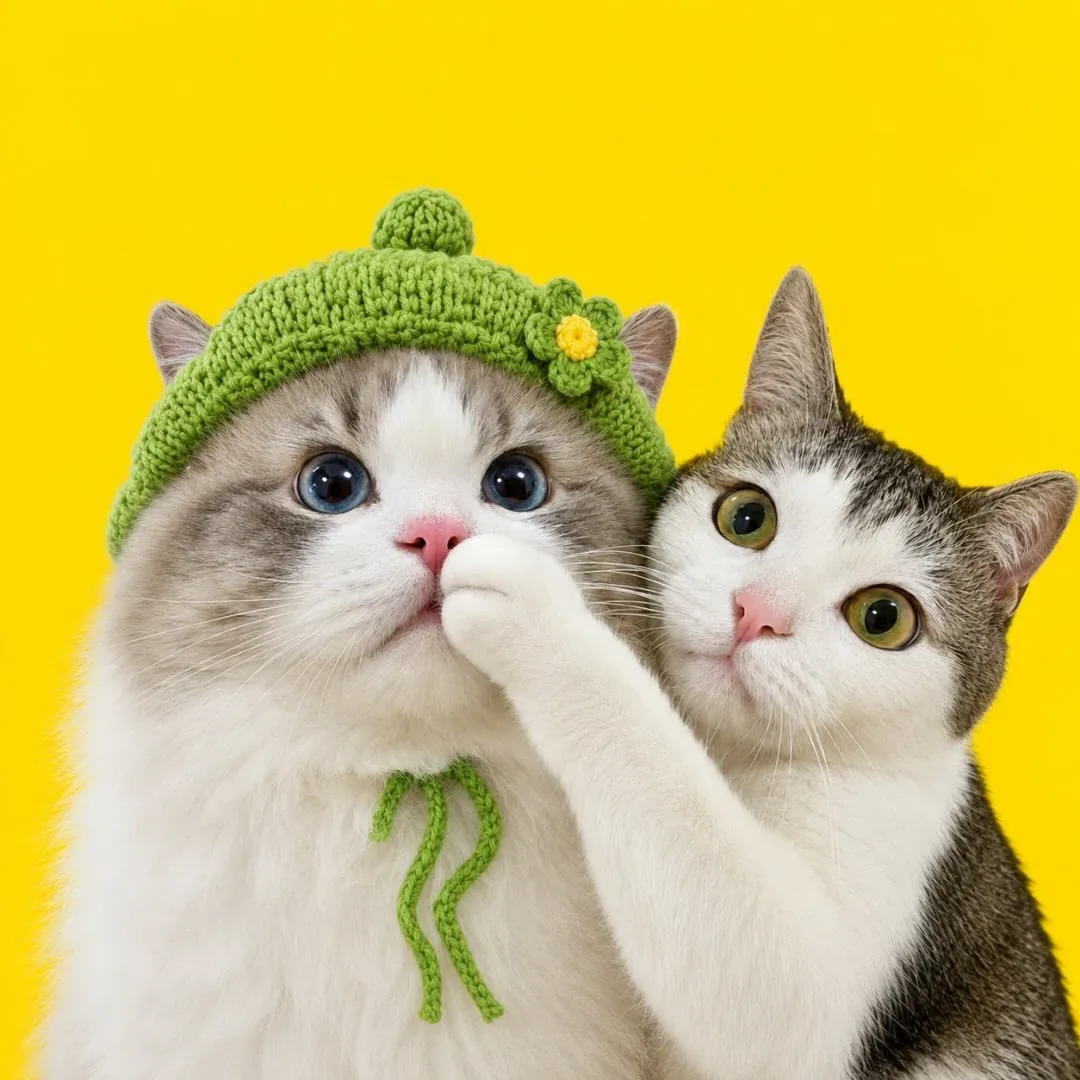
Apple Messages Sticker Installation
Install Luna stickers from the App Store and use them from the Messages sticker drawer.
Available now
Use a verified link below.
How to install
- 1. Open the App Store listing for Drama Cat - Luna Stickers.
- 2. Install the app on your iPhone or iPad.
- 3. Open Messages and enter a conversation.
- 4. Tap the plus button, choose Stickers, and select Drama Cat - Luna Stickers.
Good to know
- The Messages extension ships inside the app. If it is missing from the sticker drawer, turn it on under Edit.
- Preview every sticker in the app, star favorites, and they sync with the Messages extension.
Official requirements verified 2026-09-22. Read the official documentation